
Fixed locks
Hold a stream at a chosen value when accidental volume changes would be disruptive.
Set volume limits for videos and games, protect settings from children, and create sound profiles for work, headphones, or the car.
Hold a stream at a chosen value when accidental volume changes would be disruptive.
Allow normal adjustment while keeping sound inside a useful minimum and maximum.
Choose a maximum media volume for videos and games. Protect Volume Lock settings with a PIN so children cannot casually change your limits.
Use selected Bluetooth audio devices as profile conditions, so your saved sound settings can activate when compatible headphones, speakers, or car audio connect.
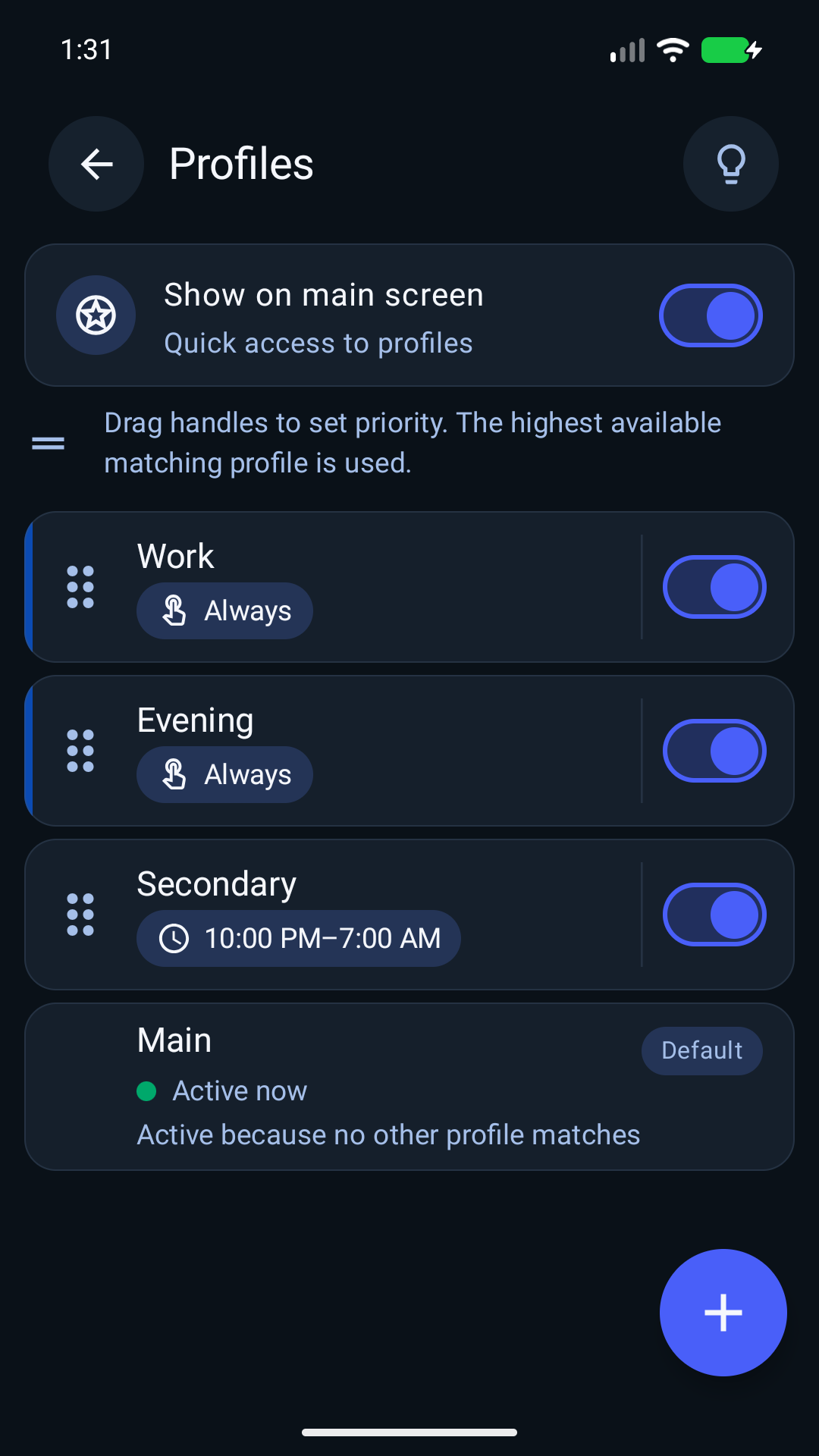
Name a profile, save its channel levels and ranges, and choose time or Bluetooth conditions. Custom-profile activation requires Premium.
Keep ringtone, notification, alarm, and call volume aligned with the way the phone is used.
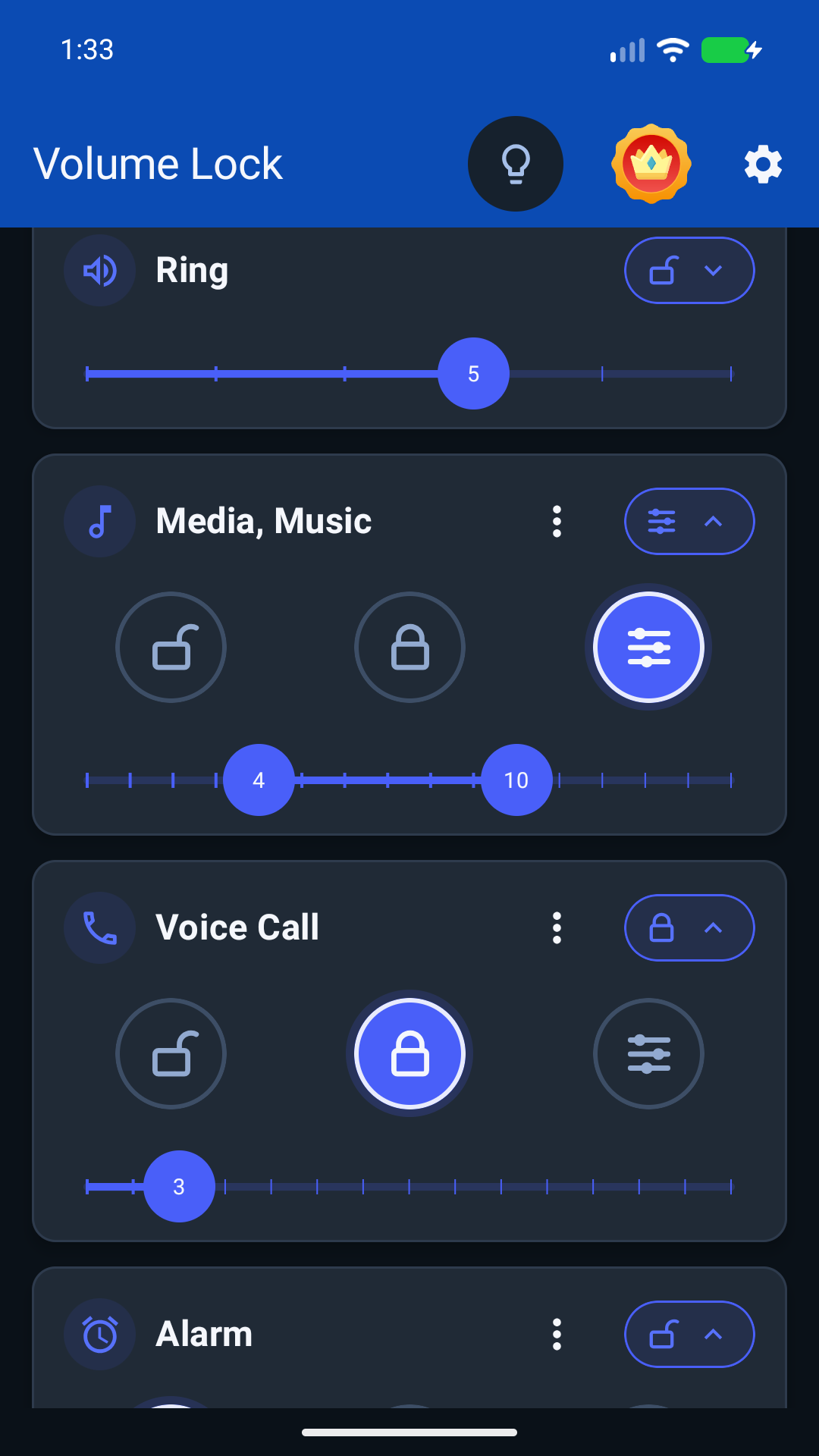
Choose Open for normal adjustment, Locked for one fixed level, or Range for a minimum and maximum. Apply these modes to the audio channels your Android device supports. Some phones link channels together; the app includes calibration to identify them.
Create a quieter evening setup, a work profile, or separate settings for Bluetooth headphones and your car.
Custom profiles can be configured before upgrading; Premium is required for their activation. Bluetooth conditions use supported audio connections. Test your setup with your own headphones or car, because Android and accessory behavior varies.
Keep children from turning videos and games up beyond the media-volume limit you choose. Protect the app settings with a PIN on a shared phone or tablet.
Android behavior varies by device. Follow the app's permission and background operation guidance, then check that your chosen controls work on your device.